
Concept Art: Independent Guide to Digital Design
Swang is an independent guide to concept art, 3D design, and digital illustration. It explains how the discipline works, which tools artists use, and which skills production teams look for. The site is editorial only: it sells nothing and takes no bookings.

Silhouette studies
Test a shape before you add any detail.
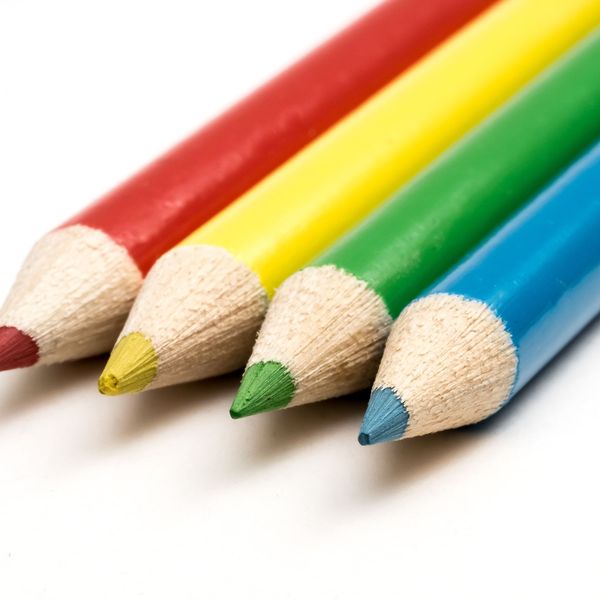
Color studies
Pick a small palette and check the mood it creates.
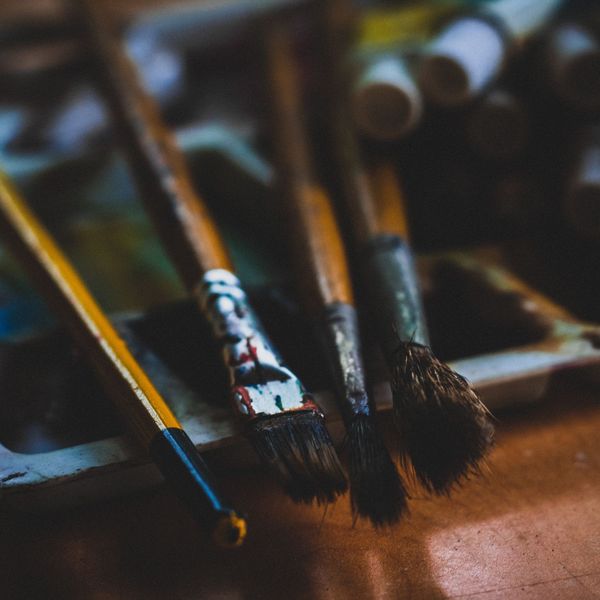
Brush and palette
Mark strokes and value on a clean working surface.

Light and shadow
Find the main light before drawing the form.
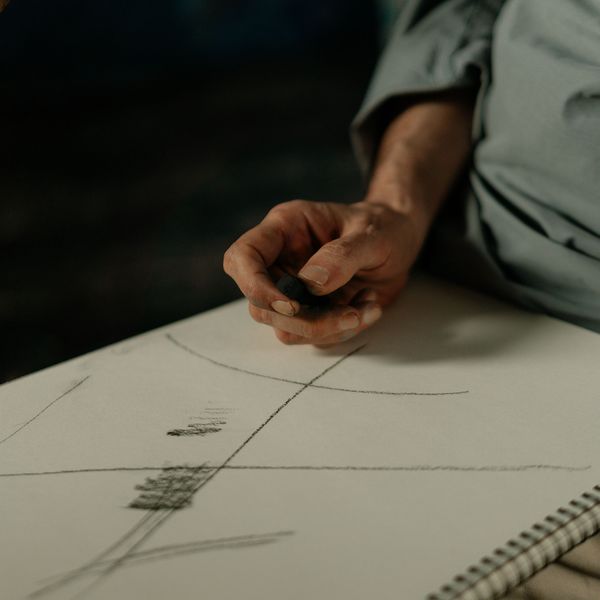
Character sketches
Explore pose, proportion, and expression.
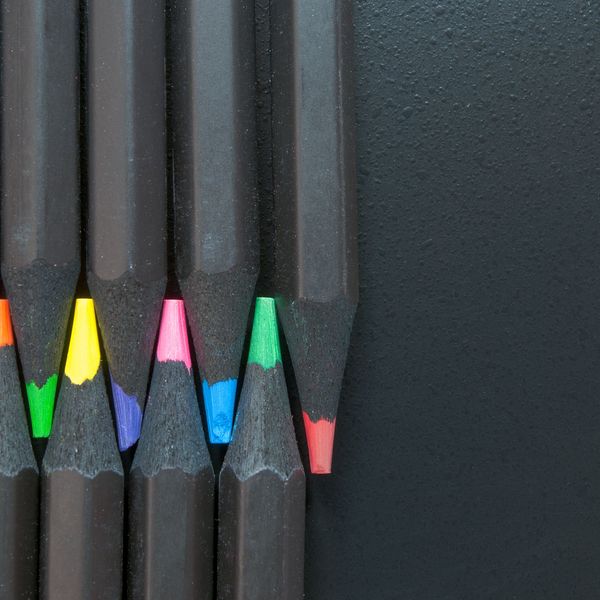
Contrast and accents
Use a few bright marks to guide the eye.
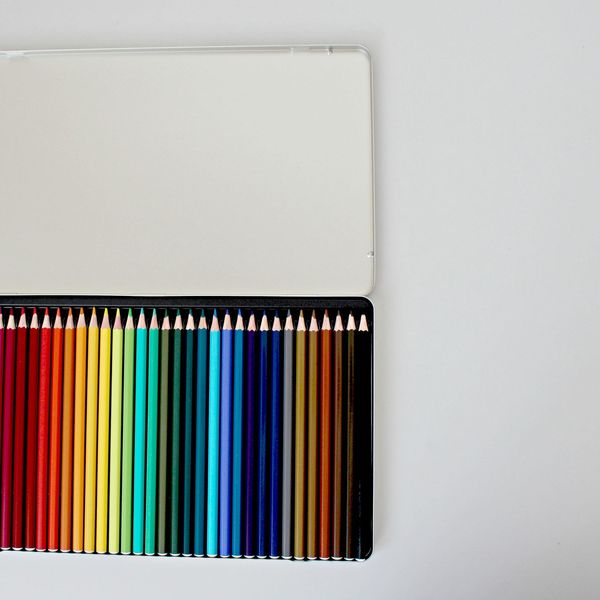
Tools and paper
Choose materials that suit your way of drawing.
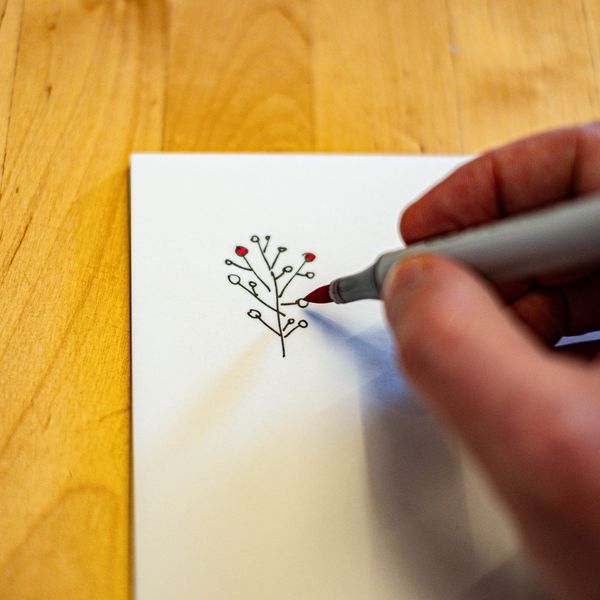
Thumbnails
Small sketches that explore many options quickly.


What Is Concept Art?
Concept art is the visual development work that comes before the final image of a film, game, book, or product. A concept artist explores how a character, a vehicle, a building, or a landscape might look, and presents options that others can react to. The pictures are usually fast and informative rather than polished. Their job is to answer a design question: what does this place feel like, how does this creature move, and what should the viewer understand at a glance? Concept art is often confused with illustration. The two overlap in technique, but an illustration usually accompanies a text and stands on its own, while concept art is a working document that guides the production team.
The Role of a Concept Artist in Production
In a production team, a concept artist works closely with art directors, designers, modelers, and writers. Early in a project the work is loose and quick: thumbnails, silhouettes, and small value studies that test ideas cheaply. Later the same artist may produce more finished paintings that set a color script, a lighting mood, or the overall look of a scene. Feedback is part of the job. Concept artists learn to accept notes, to explain choices with clear reasons, and to produce variations when a direction changes. Deadlines are common, so a dependable workflow matters as much as taste.
Key Skills Every Concept Artist Needs
Strong fundamentals come first: proportion, perspective, anatomy for characters, and an understanding of light and shadow. Composition decides what a viewer sees first, and value structure, the arrangement of light and dark shapes, often matters more than color. Observation is a skill too. Drawing from life, from photographs, and from real objects trains the eye to notice how surfaces reflect light. Communication completes the list. A concept artist must describe an idea in words, label the important parts of a design, and make a picture readable to someone who has not seen the process behind it.
Tools and Software for Concept Art
Most concept artists work digitally, with a drawing tablet and a painting program such as Photoshop or a comparable application. Pencil and paper remain useful for thumbnails because they are fast and have no interface to get in the way. Some artists add 3D software such as Blender to block out scenes, camera angles, and rough forms that are then painted over. The best tool is the one that lets you iterate quickly. Choose software that handles layers, brushes, and undo well, and spend more of your time practicing than comparing feature lists.
Exploring Different Genres: Sci-Fi, Fantasy, and More
Concept art spans many genres. Science fiction asks for technology, architecture, and vehicles that feel plausible. Fantasy asks for creatures, costumes, and landscapes that feel believable inside an invented world. Alien creatures for a movie need to read clearly at a distance, so their silhouettes matter more than small details. Historical and realistic projects need research and careful reference. Horror relies on mood, silhouette, and restraint. Working through several genres helps a beginner find what they enjoy and shows which skills transfer between them. A strong sci-fi environment and a strong fantasy environment both depend on the same understanding of scale, atmosphere, and composition.
How to Build a Strong Concept Art Portfolio
A portfolio is a short selection of work that shows how you think. Include a few finished pieces, but also show process: thumbnails, studies, and the stages of a design. Organize the work by type, such as characters, environments, or props, so a reviewer can find what they need. Remove weaker pieces even if they took a long time to make. Write one or two sentences for each image that explain the goal, and keep the whole portfolio focused on the kind of work you want to be hired for.
Learning Resources and Communities
Learning concept art works best with a mix of structured practice and open feedback. Life drawing sessions, anatomy courses, and observational sketching build the base. Online communities, local art groups, and critique sessions show how other artists solve similar problems. Check that any course or tutorial you follow is current and taught by people with relevant experience. Read the license terms of any reference image you download, and avoid material that is not free to use.
Frequently asked questions
What is the difference between concept art and illustration?
Concept art is a planning tool for a production team, usually made in stages and judged by how well it communicates a design decision. Illustration is usually a finished image that stands alone, for a book, an article, or a poster. Many artists work in both, and the skills overlap.
Do I need to know 3D software to be a concept artist?
No. Many concept artists work only in 2D. Basic 3D knowledge helps with perspective, lighting, and blocking out scenes, so it is worth learning once the drawing fundamentals are in place.
How long does it take to become a professional concept artist?
There is no fixed timeline, because it depends on how much you practice, how much feedback you get, and what kind of work you aim for. Steady, focused practice over several years is common, and progress is easier to see when you keep a dated record of your studies.
About the project
Swang is written for people who are learning concept art and for artists who want a clear reference for process. Each article explains a technique, a workflow, or a discipline in plain terms, and points to practice exercises you can repeat. Start with the sketching guide if you want to build daily habits, or read the About page to learn how the editorial team works.
Read the sketching guide for drawing practice and supplies, or the About page for our mission and contact details. The privacy policy and terms of use describe how the site works.